Share everything, instantly
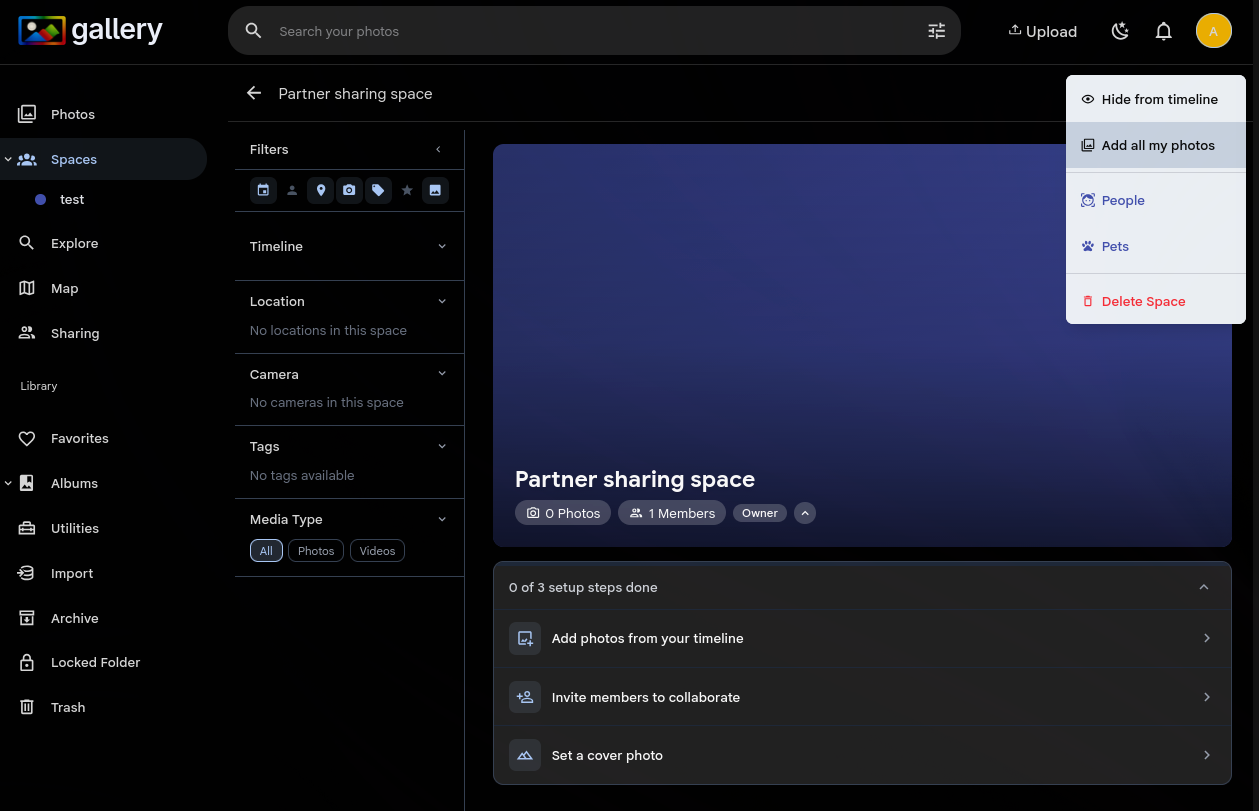
Open any Space, tap the overflow menu, and choose Add all my photos. A background job takes over and adds every photo in your library to the Space — no scrolling through timelines, no selecting batches. You get a notification when it's done.
The job handles libraries of any size. 300,000 photos? No problem. It runs server-side with a single efficient database operation, skipping deleted and offline assets automatically. Running it again is safe — duplicates are ignored.
If you need ongoing sync instead of a one-time add, Connected Libraries keep a Space permanently linked to an external library so new imports appear automatically.