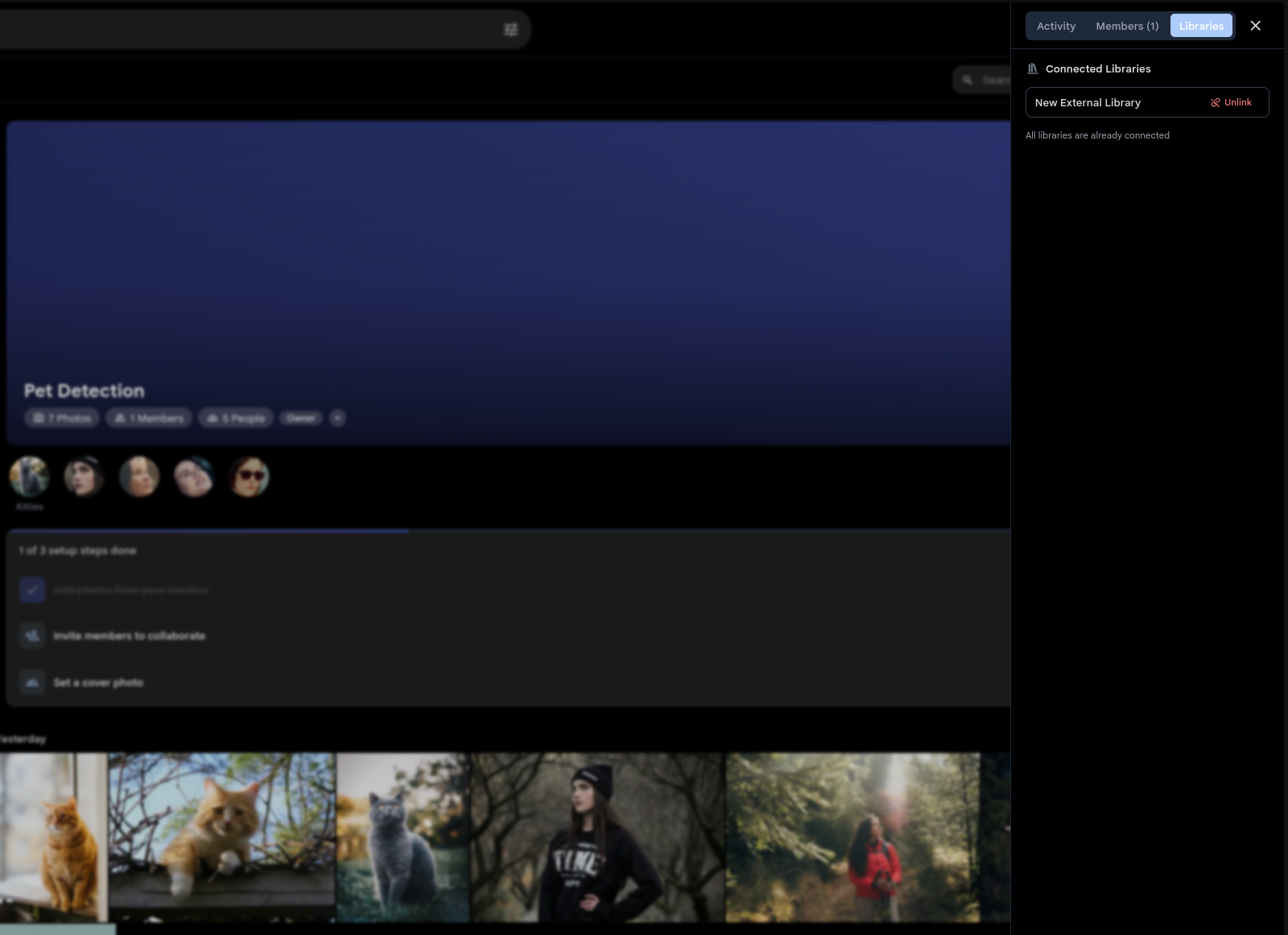
Tens of thousands of photos, zero duplication
Connect an existing photo library to a Shared Space and every photo in it shows up in the Space timeline immediately. No copying, no re-uploading — assets resolve at query time with zero storage overhead. See the creating a library docs to get started.
New photos imported into the library appear in the connected Space automatically as they're scanned. Remove the connection anytime and the originals stay untouched in the library.
Connected Libraries are ideal for large collections. Link a family archive to a shared Space and give everyone access to decades of photos without moving a single file.
Don't need ongoing sync? Bulk Add lets any editor add their entire library to a Space in one click — no admin access required.