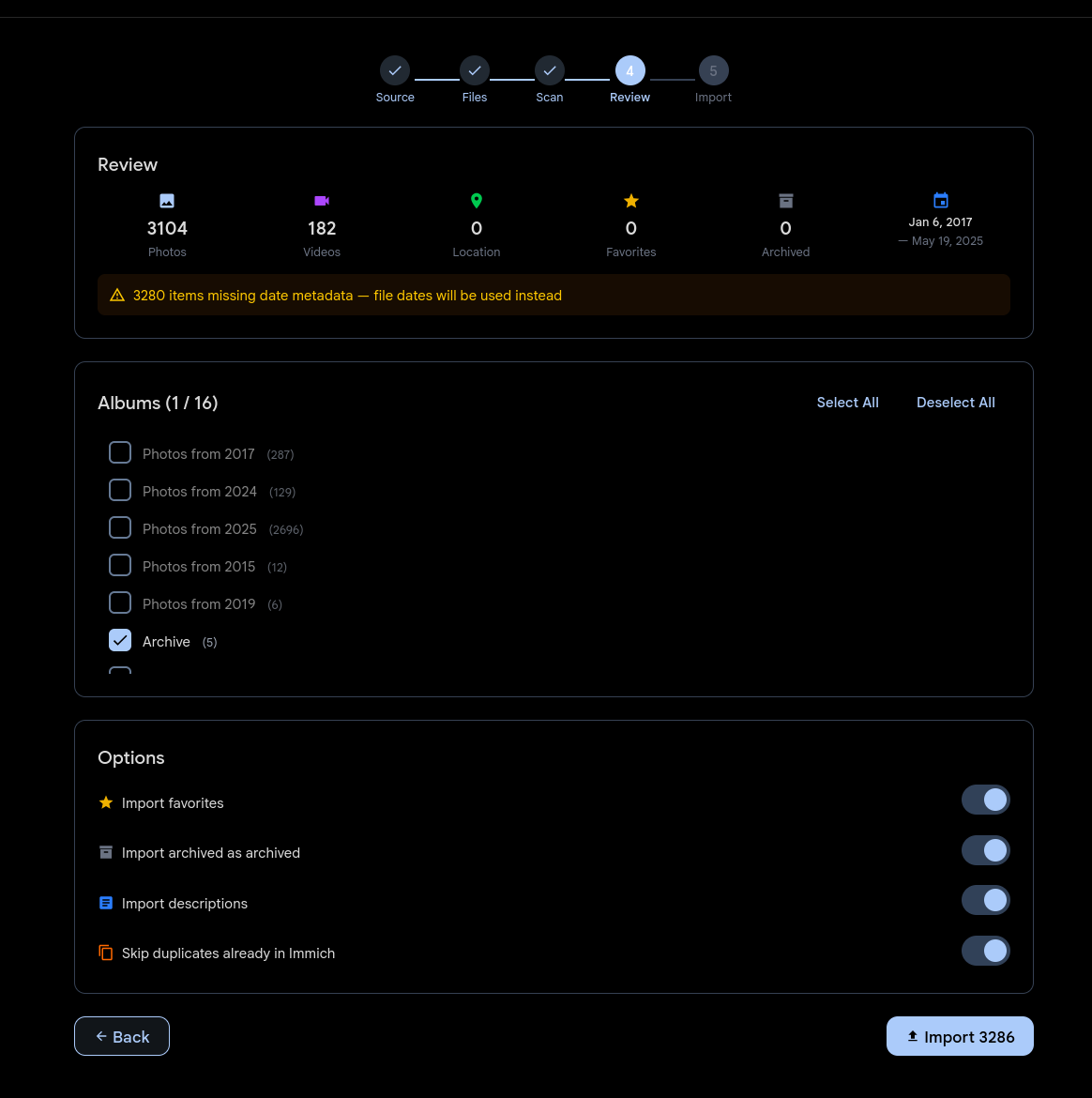
Leave Google behind in five steps
Download your Google Takeout archive, open the import wizard, and follow the steps. Noodle Gallery walks you through selecting your archive, mapping albums, and confirming the import — all from the browser.
Dates, GPS coordinates, descriptions, favorites, and album structure all come along for the ride. Your memories arrive exactly as you left them, organized the way you expect.
No terminal, no scripts, no manual file shuffling. The wizard handles the messy parts of Google's export format so you don't have to.