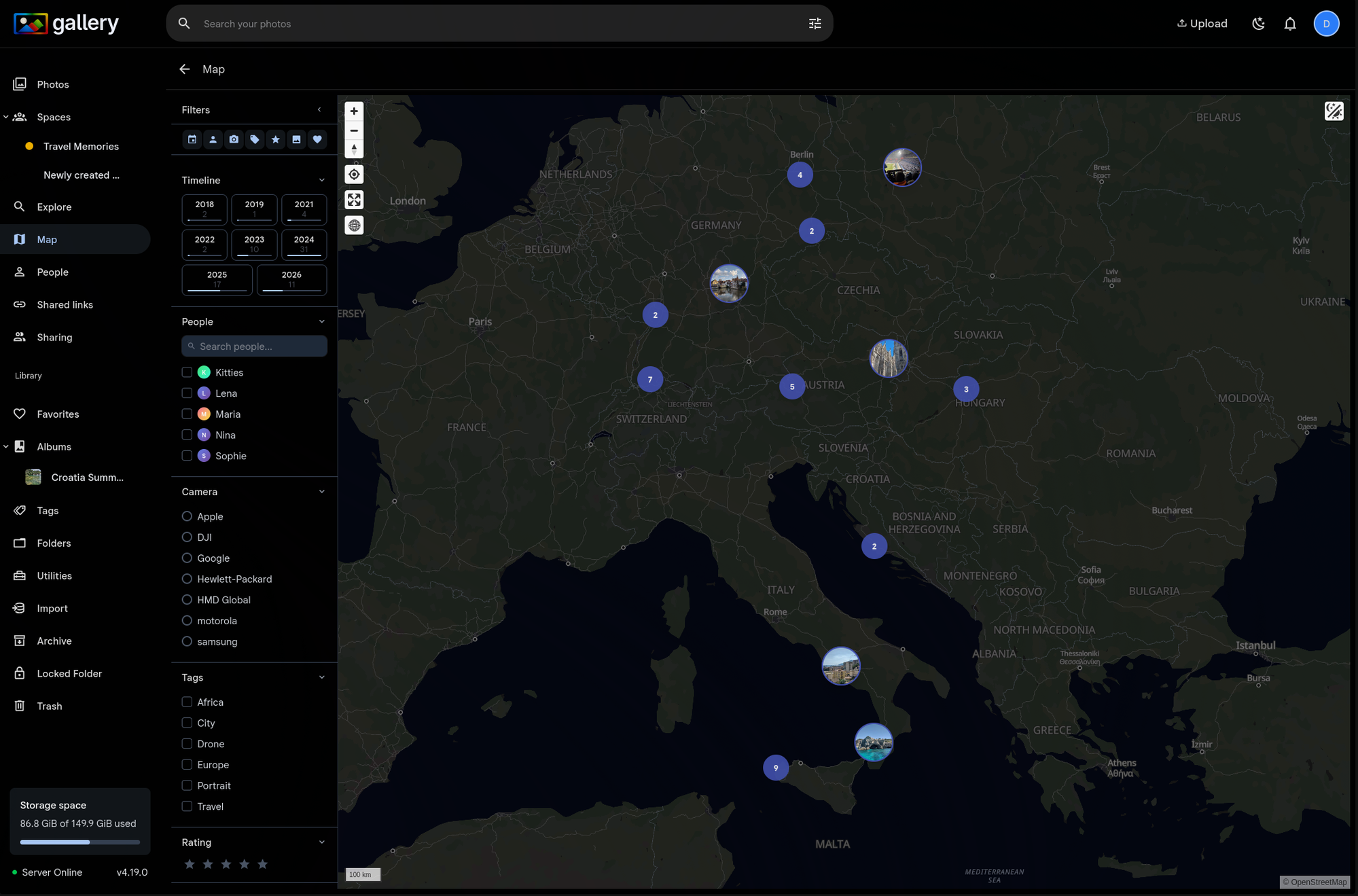
Your filters, on the map
The filter panel from the Photos and Spaces pages now works on the Map view. Filter by people, camera make and model, tags, star rating, favorites, media type, and date range — map markers update in real time to show only the photos that match.
Works on both the global map and space-scoped maps. When viewing a Space's map, the filter panel uses space-scoped suggestions so you only see people and cameras that exist in that space.
No location filter needed
The map itself is the location filter. Pan and zoom to explore spatially, then use the filter panel to narrow by everything else. Click a cluster to open the timeline panel, which also respects your active filters.
Favorites at a glance
A new favorites toggle lets you instantly switch between all photos and just your favorites — on the map and everywhere else the filter panel appears. Combined with the temporal picker, you can quickly find your favorite photos from a specific trip or year.