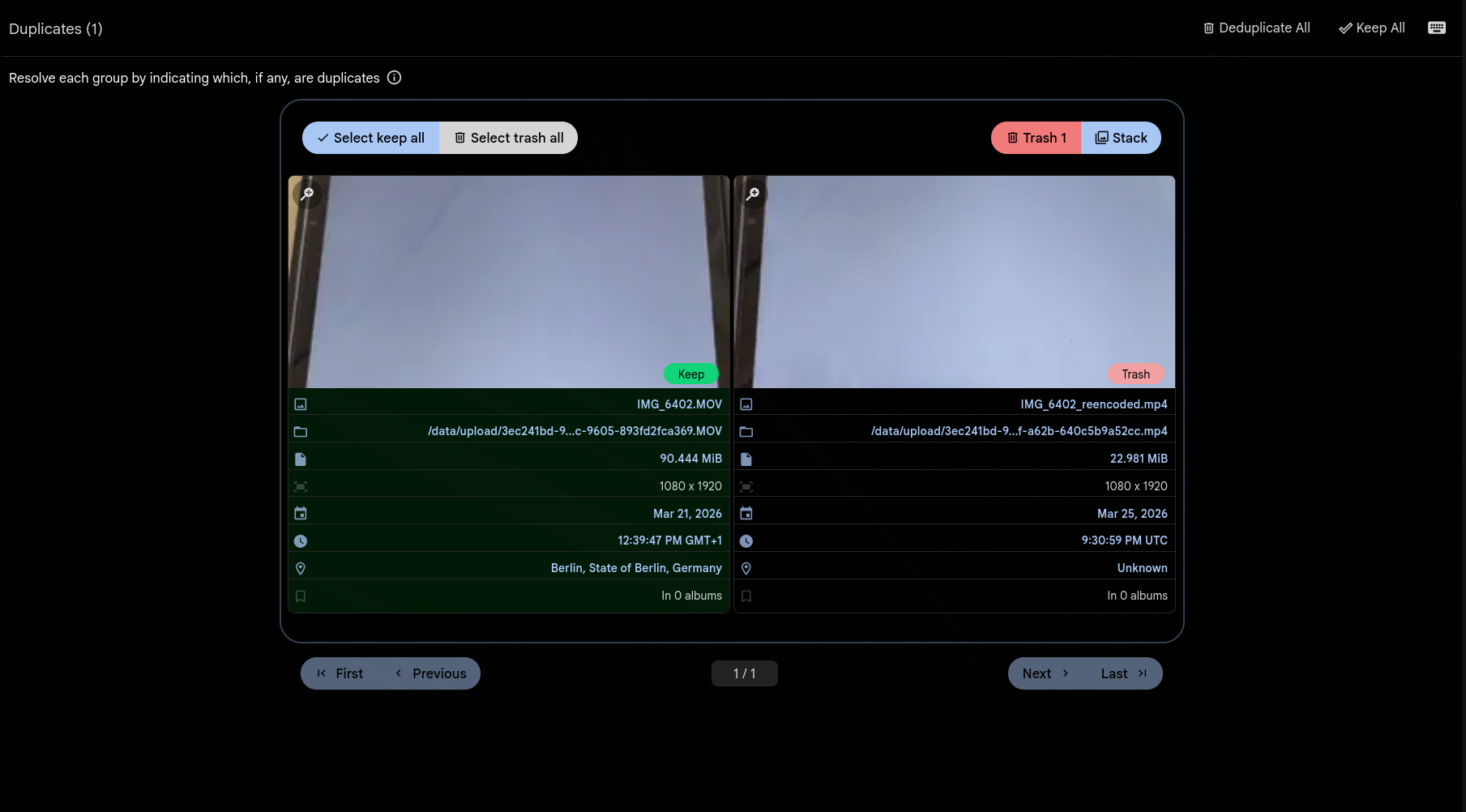
Same video, different file
You downloaded the same vacation clip from three different devices. One is a 4K HEVC original, another is a 1080p H.264 re-encode, and a third was compressed for WhatsApp. They look identical, but every byte is different. Gallery now detects these as duplicates.
The same CLIP-powered AI that finds visually similar images now works for videos. Gallery extracts 8 evenly-spaced frames from each video, encodes them with CLIP, and averages the embeddings into a single vector. Two videos with the same visual content will produce nearly identical vectors — regardless of codec, resolution, or bitrate.
The same flow you already know
Video duplicates appear in the same Utilities > Duplicates page as image duplicates. Review them side by side, keep the highest quality version, trash the rest, or stack them together. All the same actions work — resolve, deduplicate all, or keep all.
No new settings to configure. If you have Smart Search and Duplicate Detection enabled, videos are automatically included the next time the jobs run.
Smart about edge cases
Short clips under 2 seconds get a single frame at the midpoint instead of 8. Videos with missing or corrupt metadata still get processed with a fallback frame at the start. If a frame can't be extracted, Gallery averages whatever frames succeeded rather than giving up entirely.
Videos only match with other videos — never with images. The duplicate detection threshold is the same configurable distance you already use for image duplicates.